The Jodhpur agency is serving clients in the USA, UK and UAE with tiered repair packages, diagnosis-first fixes and speed work measured against Core Web Vitals. Jodhpur, Rajasthan, India, ...
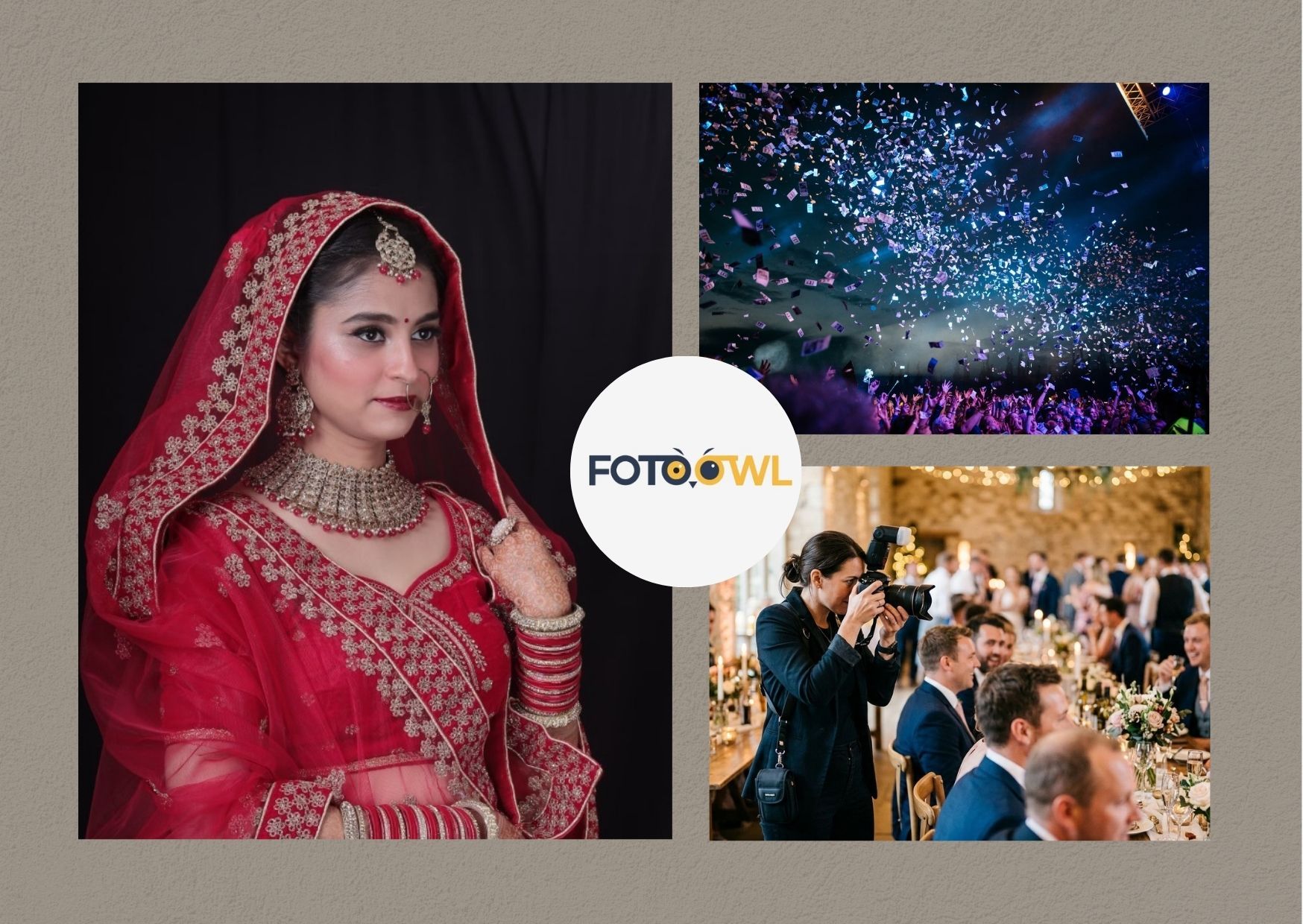
Effortless Client Photo Sharing With Polished Galleries
Choose a Client-Friendly Viewing Experience
A client gallery should load quickly, work well on mobile, and keep image quality best way to share photos with clients intact without requiring downloads. When clients can navigate confidently, you reduce follow-up questions and speed up approvals. Consistent presentation also strengthens trust, because the gallery feels intentional and professional.
Look for galleries that support simple organization like albums, sets, and clear labeling. Clients often need to compare multiple looks, select favorites, or review edits in an orderly way, so intuitive structure matters. Features like captions, sorting options, and clear thumbnails help clients move faster through their selection process. The goal is to create a smooth viewing experience that mirrors how you would present work in person.
Streamline Collaboration and Feedback
Sharing is only half the job; collaboration is where time can disappear. A smart gallery workflow makes it easy for clients to provide feedback without confusing message threads. Consider tools that support comments, notes, best online galleries for photographer or selection tools so your client can mark favorites directly on images. This reduces back-and-forth and helps you interpret requests accurately because feedback is tied to specific frames.
Another benefit-led advantage is reducing manual versioning. Instead of sending multiple attachments or relying on long email chains, you can update the gallery as edits progress. Clients can see the latest set without hunting for “the newest” file, which prevents mismatches and duplicated work. When feedback and revisions happen in one place, you protect your schedule and keep the project moving.
Control Your Workflow With Secure, Branded Delivery
Professional delivery isn’t just about looking good; it’s about staying organized and maintaining control. A strong platform lets you create online galleries that reflect your brand through styling, logos, and consistent design. This is especially valuable when clients receive work from multiple photographers or vendors and need a clear identity. Branded presentation also makes your service feel cohesive, which can improve satisfaction and referrals.
Security and permissions also matter when you’re sharing private client content. Choose solutions that support access control so only the right clients can open the gallery. You may want options for password protection, expiring access, or limited permissions depending on your workflow. With the right controls, you can share confidently while protecting sensitive images and reducing the risk of unauthorized downloads.
Conclusion
Adopting a benefits-led approach to client photo sharing helps you deliver polished galleries, simplify collaboration, and create a seamless viewing experience. When you prioritize fast, organized galleries with clear feedback pathways, you reduce friction for both you and your client. This is where the practical value shows up: fewer emails, fewer misunderstandings, and a smoother approval process. Platforms designed for photographers also help you maintain consistency and professionalism at scale, especially when multiple sessions or ongoing projects are involved. FotoOwl.AI is built to support streamlined delivery, making it easier to share a curated, client-ready viewing experience that supports selection and review.

 How to create new field